The editor your Astro site already describes
Vesper reads your content collections and builds the studio from them. People edit in plain forms, every save is a file in your repository, and the site stays static on any host.
No second schema
Other git-based editors ask you to describe your content a second time, in their own config. Vesper reads src/content.config.ts instead.
Fields from your Zod schema
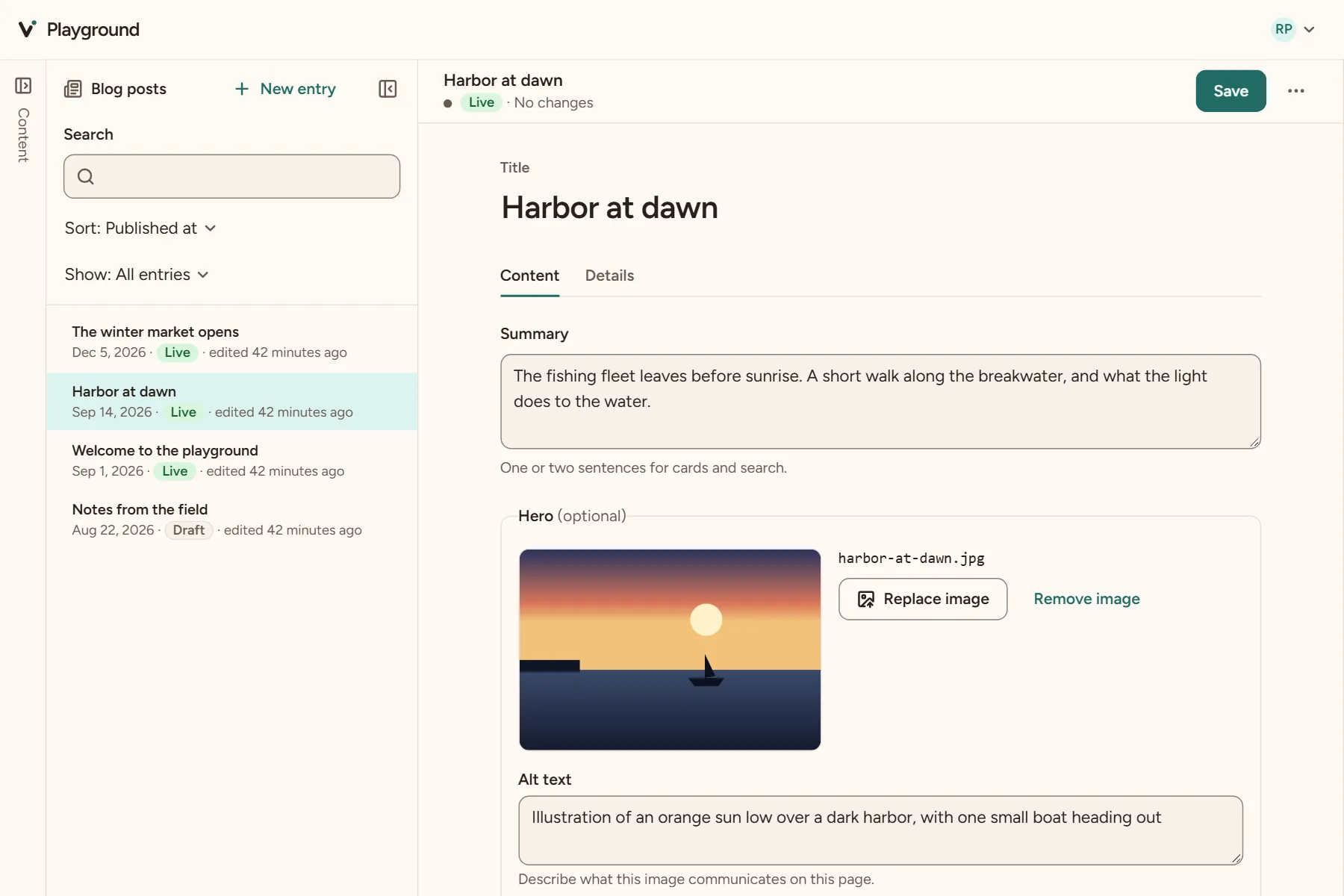
Text, numbers, dates, lists, objects, references and images each get a control. Add a field to the schema and it's in the studio.
Hints where you need them
Labels, help text and widgets come from Zod's
meta(), or from Vesper's field helpers, which are plain Zod underneath.Blocks for page builders
A list of
z.discriminatedUnionobjects becomes blocks. Editors add a kind from a menu, and each kind gets its own fields.
Your tags and components, as blocks
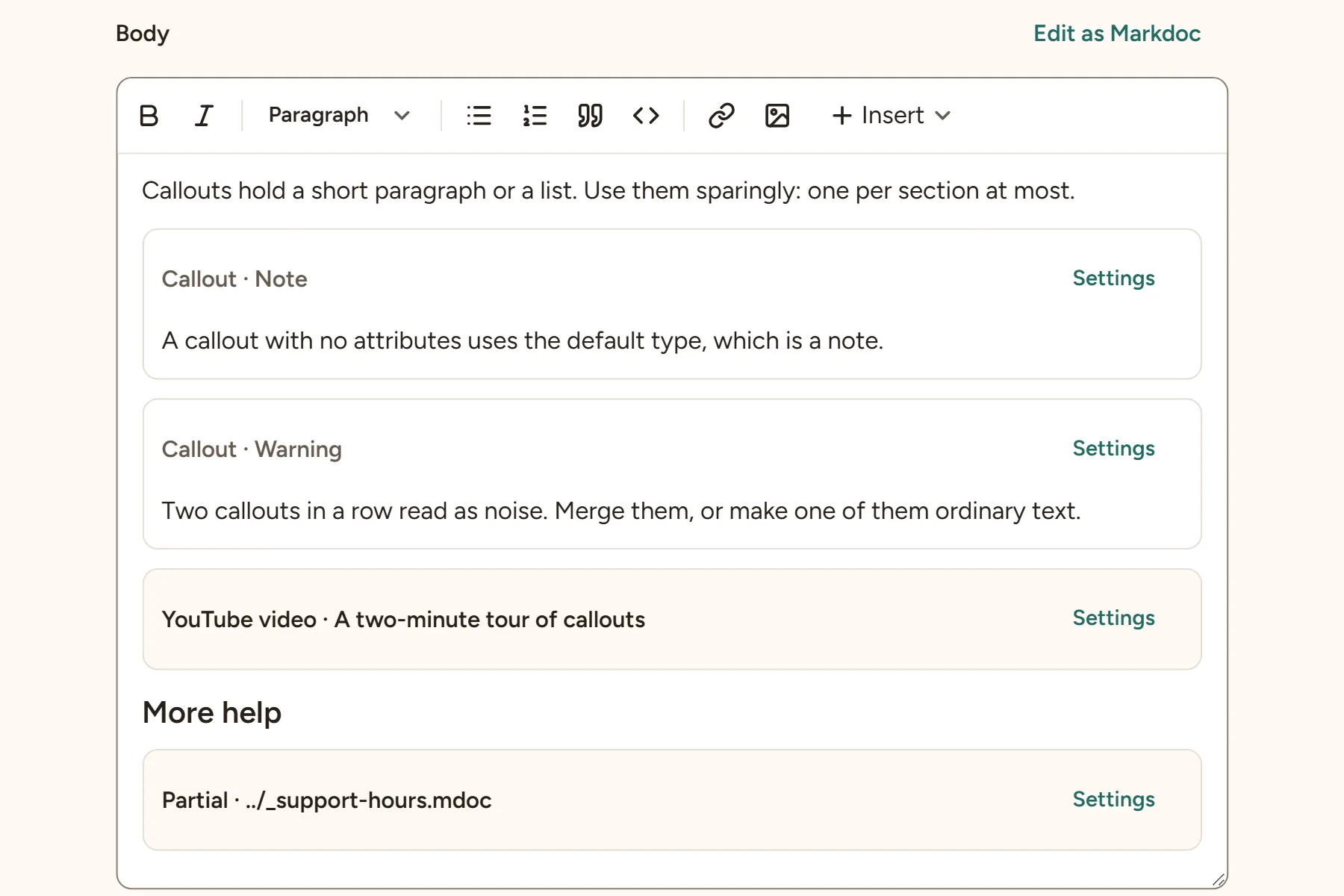
The body editor reads the tags in markdoc.config.mjs, and the MDX components you declare, and shows each one as a block with its own settings.
Settings, not syntax
A block's settings are its attributes, with the same controls as fields. Changing one rewrites only that attribute's bytes.
Checked like your build
The studio reads the body with the parser and options your site builds with, and won't save one the build would refuse.
Tables as a grid
Pipe tables are edited cell by cell, with rows and columns that move, in Markdown, Markdoc and MDX alike.
Content stays yours
Everything is a file in your repository, in the format you chose.
Saves change only what changed
Vesper splices each edit into the file and keeps your formatting, comments and key order, so diffs stay small and readable.
Any static host
The built site and the studio are plain files. Netlify, Cloudflare, Vercel, S3 or a shared host over FTP all work, with no adapter.
Open source
The studio, local editing, GitHub editing, accessibility checks and search are free, under the MIT license.
Editing that people can do
Made for the people who write the content, not only the people who built the site.
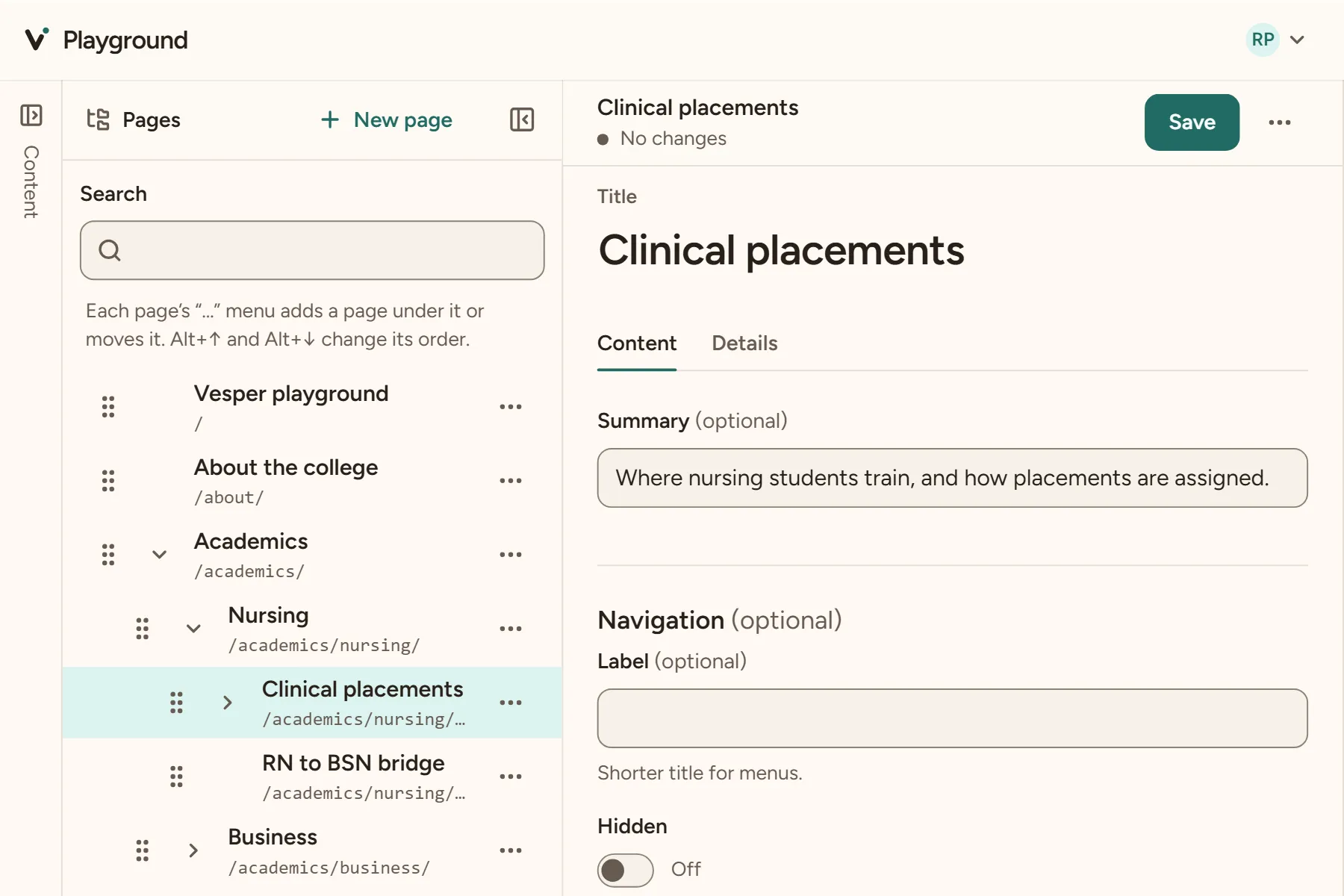
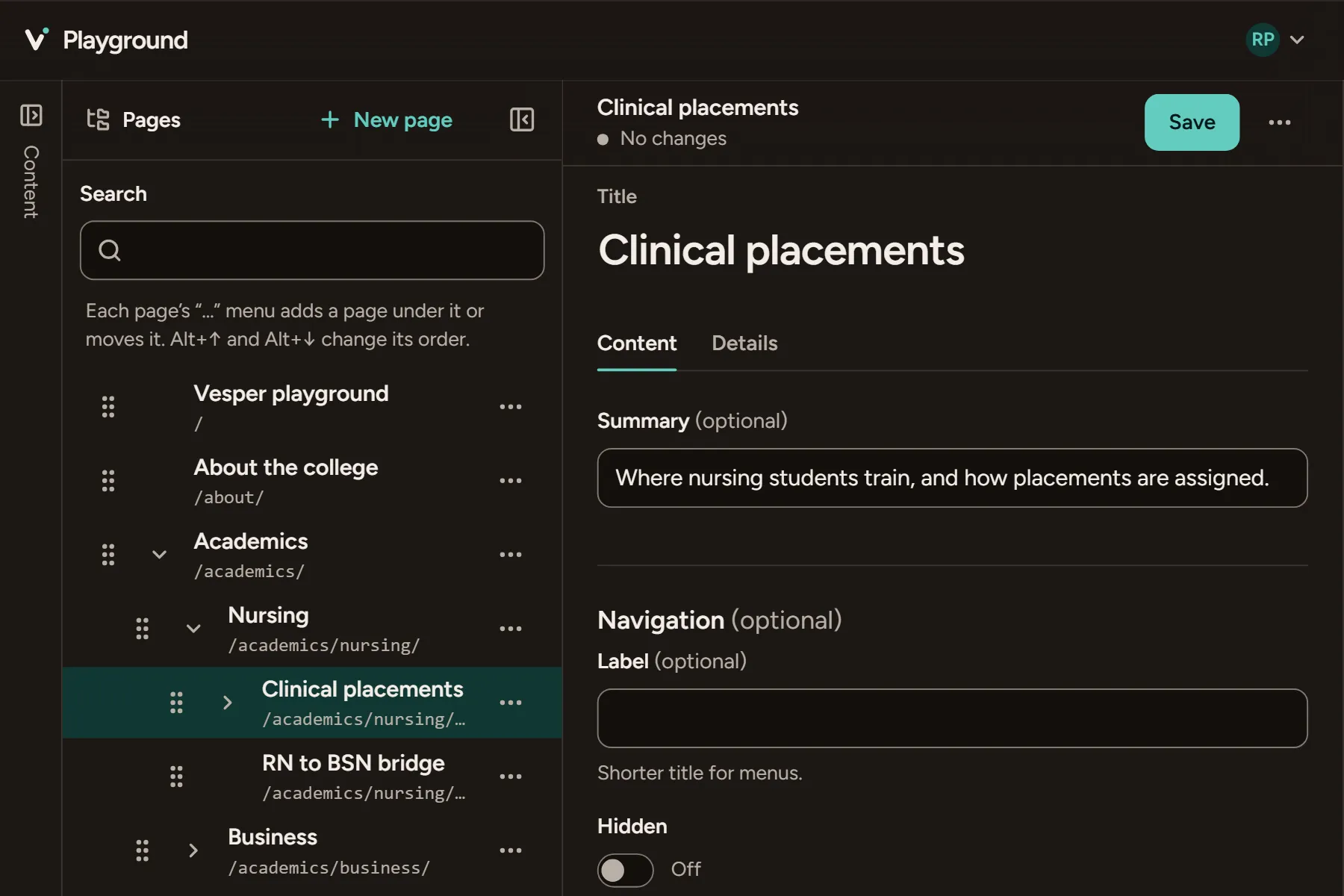
Pages in an outline
Move a page and Vesper moves its files, updates the order, adds redirects and fixes links, all in one change.
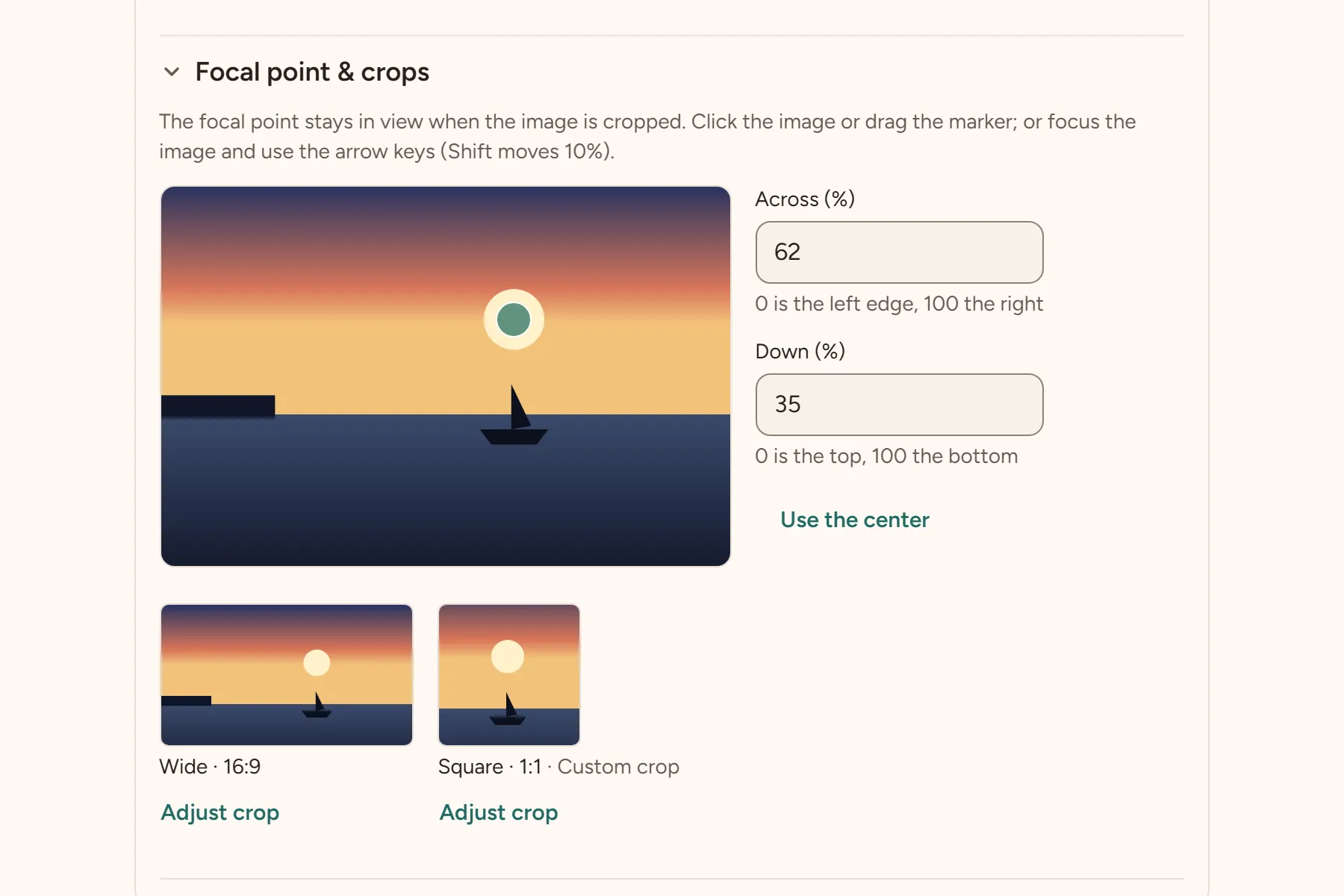
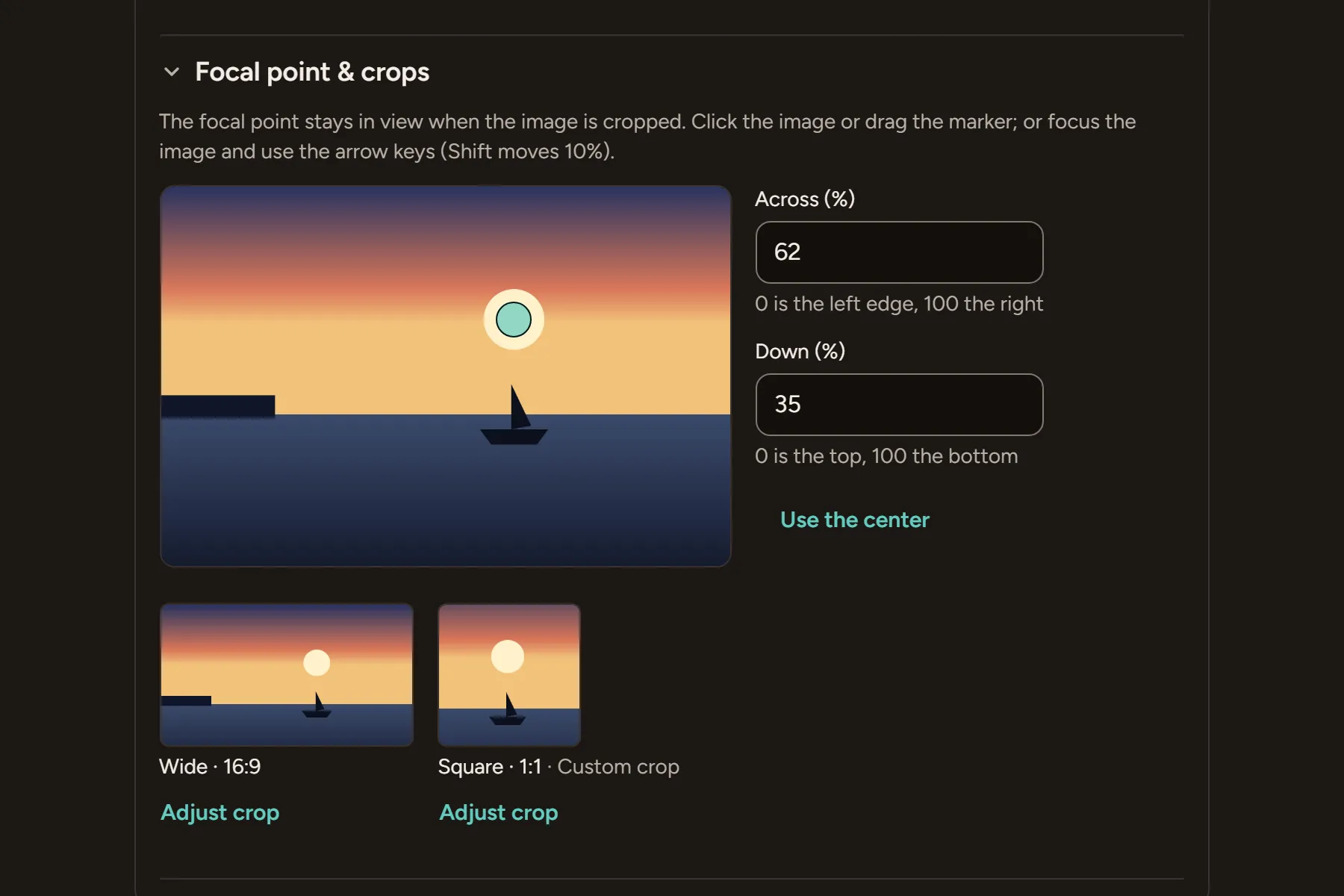
Images with focal points
Editors set the focal point, and a crop for each shape the site uses. The original file is never changed.
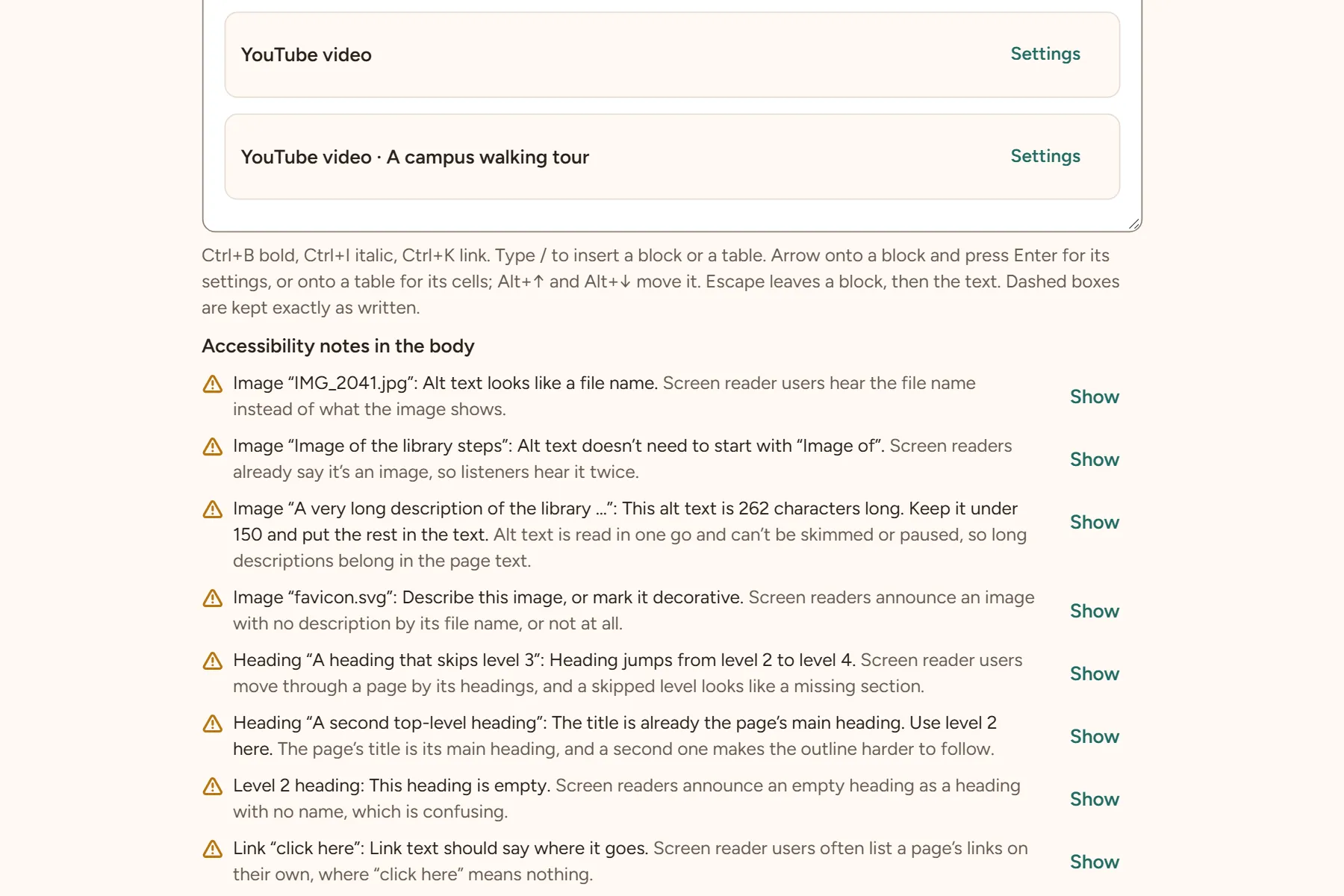
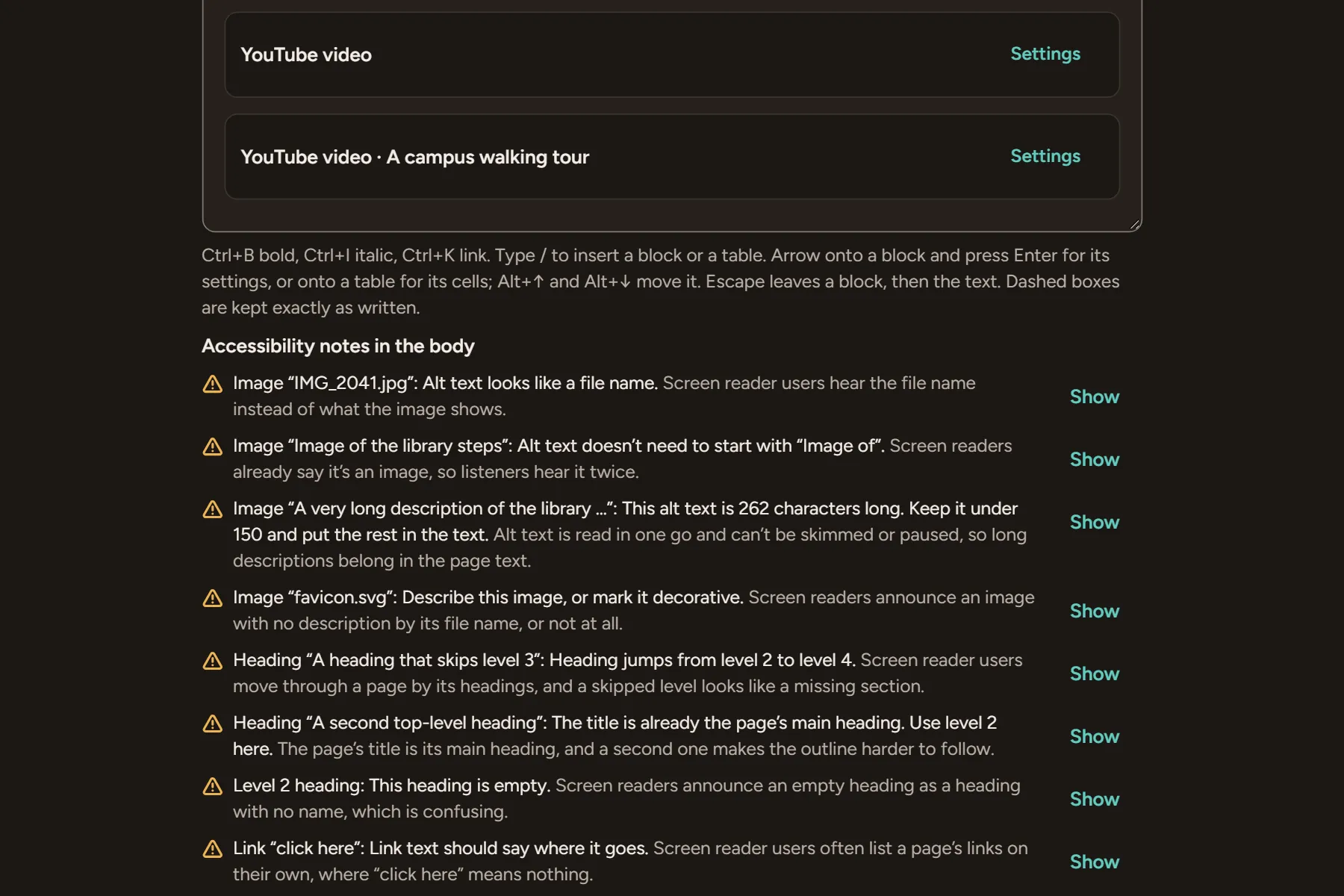
Accessibility notes
Missing alt text, skipped headings and vague links are noted beside the field, while there's still time to fix them.
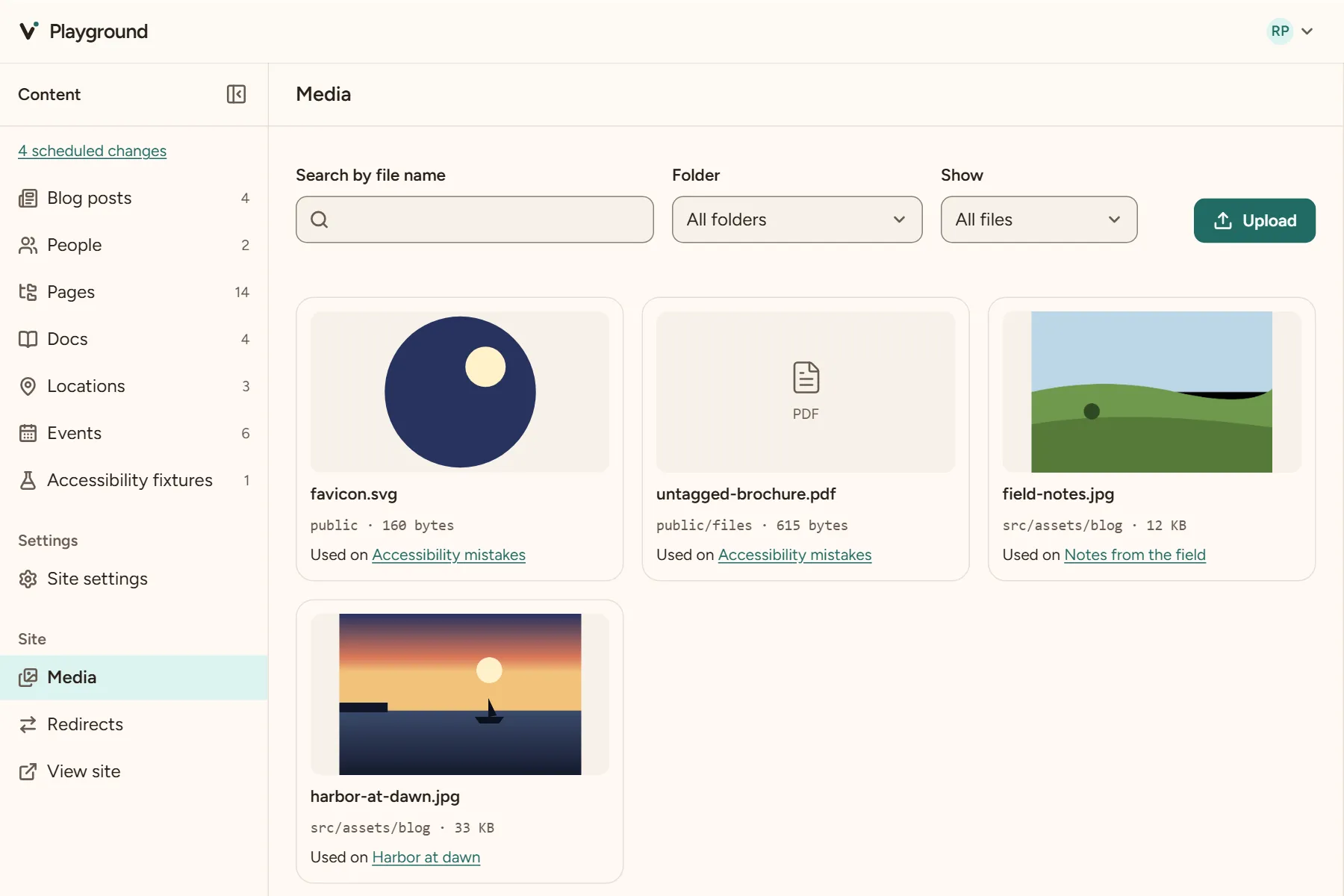
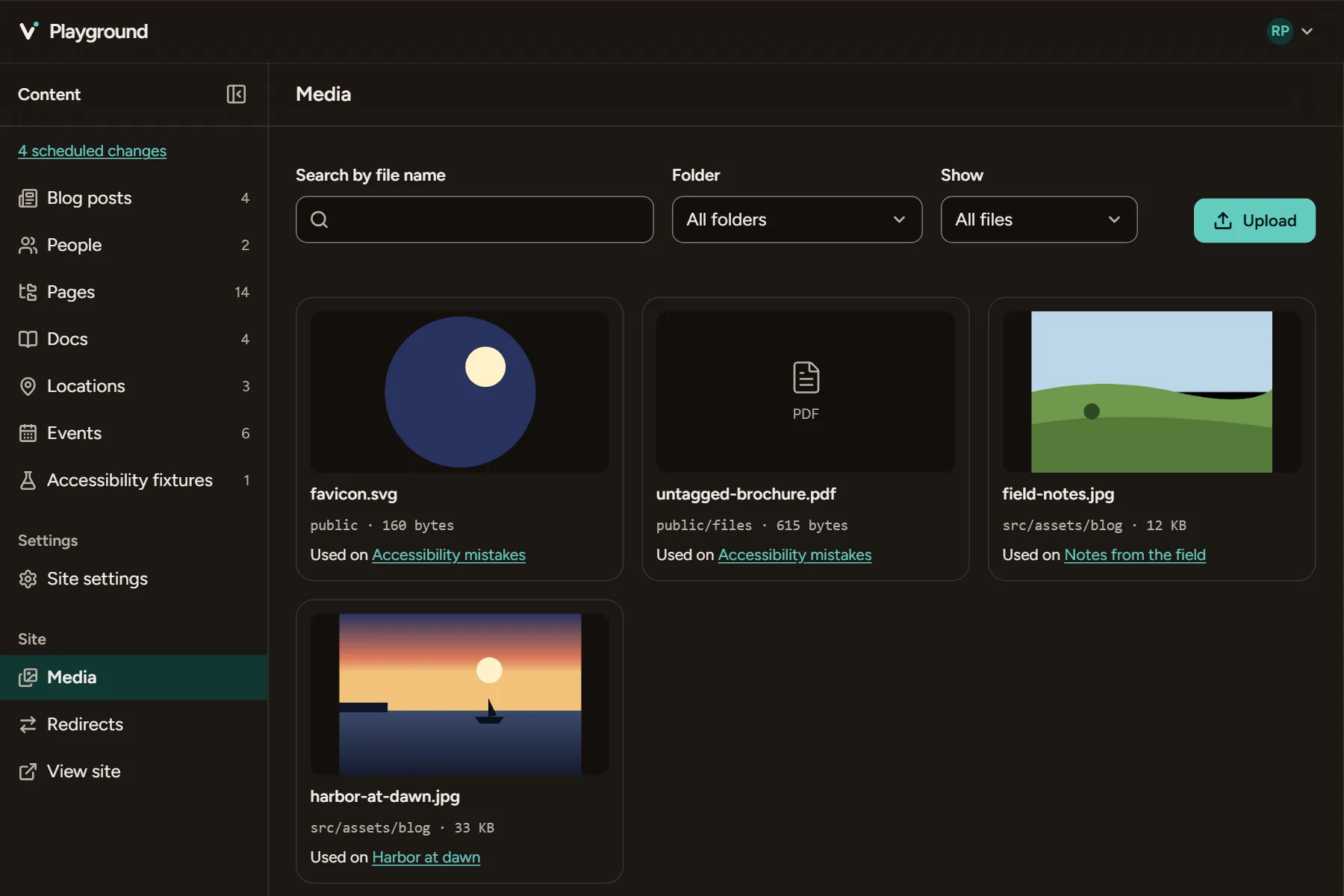
Media in one place
The Media screen lists everything in
src/assetsandpublic, with the pages that use each file.
A cloud for teams without GitHub
The paid Vesper cloud adds what a static site can't do on its own. It isn't open for sign-ups yet.
Sign in without GitHub
Editors sign in with a link sent by email, and Vesper's GitHub App writes to your repository for them.
Drafts and review
Saves are drafts until someone who may publish approves them, as one change.
Roles scoped to folders
Give an editor one section of the site, and the studio shows them only that section.
Works with coding agents
Your content is files, so a coding agent can already edit it. Vesper tells it how.
And the rest
Smaller things that make a day of editing go well.
Search, built in
Each build indexes the site with Pagefind. Search is static files, free, on any host.
Uploads cleaned first
Location and camera data come off each photo in the browser, sideways photos turn upright, and huge ones are scaled down.
Redirects that keep up
Every move writes a redirect for each old address, and every build collapses the chains.
Keyboard all the way
Blocks, tables and the page outline all move, open and reorder from the keyboard.
Light or dark
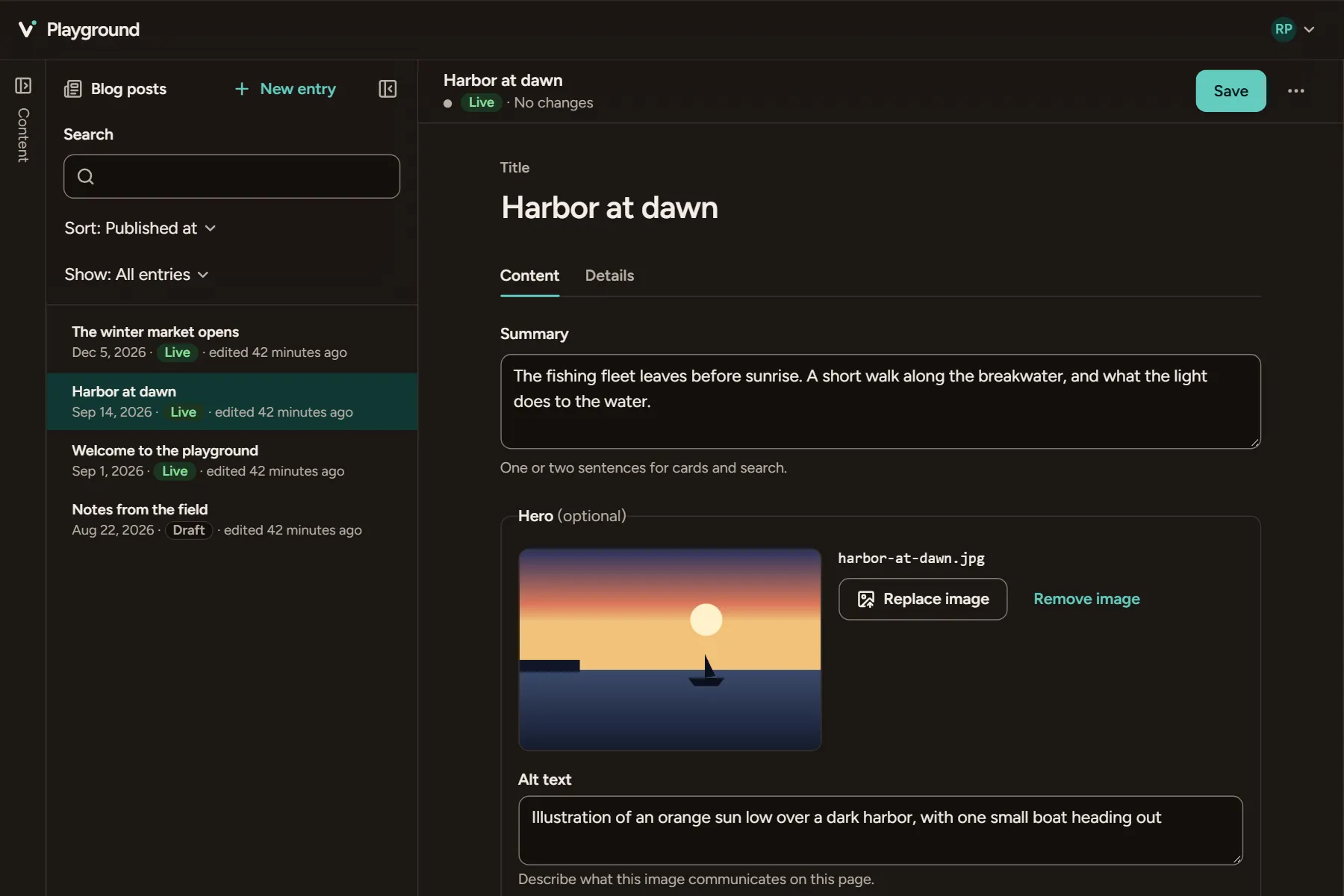
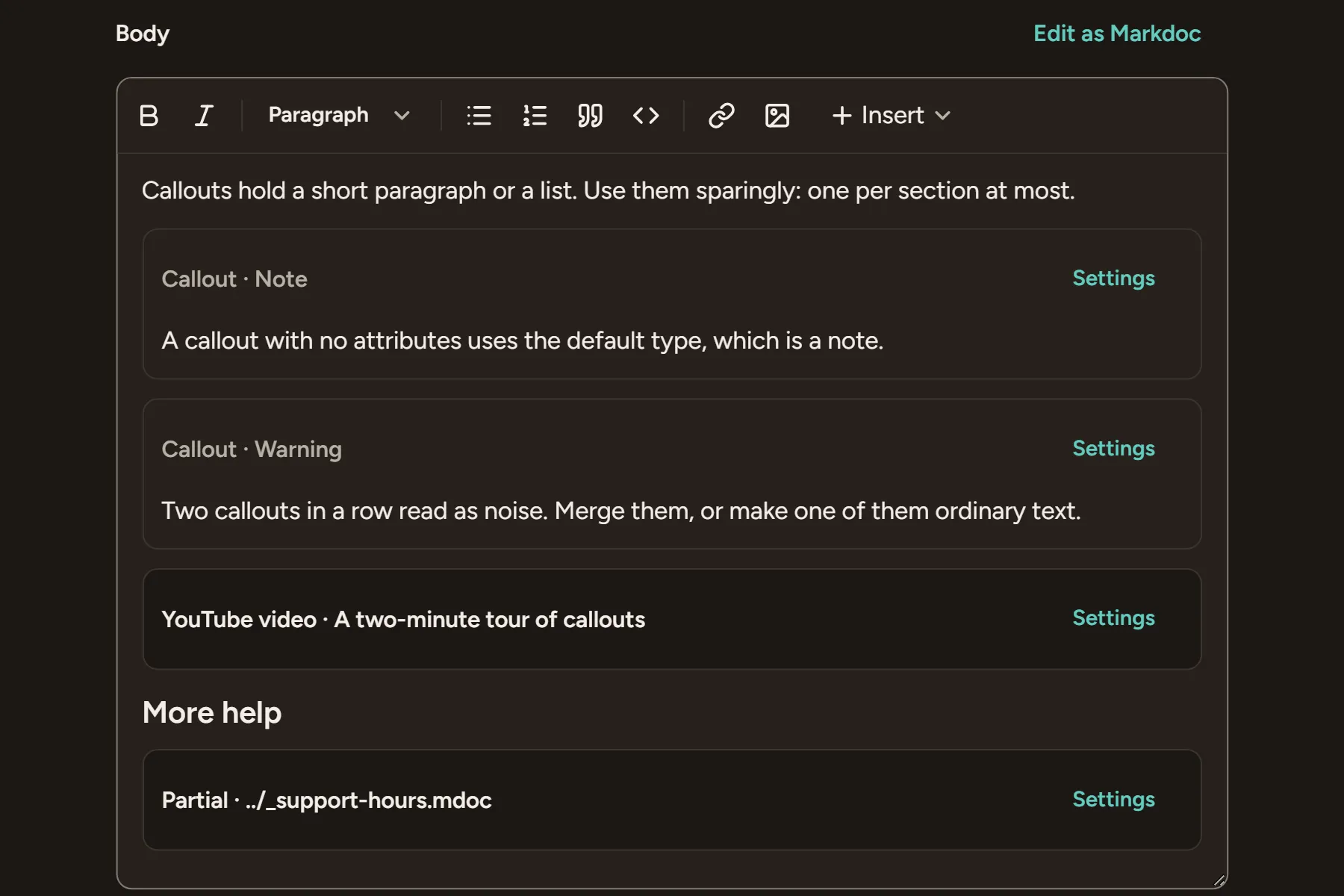
The studio follows your computer's setting, or keeps the one you choose.
Astro 6 and 7
Vesper works with the content collections you already have, with no adapter and no server.
Add Vesper to your site
One command installs it. Then run npm run dev, open /admin/ and make your first edit.
npx astro add vespercms